May 21, 2013, 02:23:02 pm *
Welcome, Guest. Please login or register.
Did you miss your activation email?

Login with username, password and session length
News: Help support TripleA software development. Search me
  Articles  
   Home   Help Login Register Chat  
Loading
Pages: « 1 2 3 4 5 6 7 8 9 10 11 12 13 14 15 16 17 18 »
  Print  
Author Topic: Sgt. Wonko's & TMTM's 1940 Global Module for ABattlemap  (Read 16715 times)
Ashkayel
A&A.org Submarine
****
Posts: 896


View Profile
« Reply #75 on: May 03, 2011, 07:34:22 pm »
0

Right click and drag.
I've been using this program for years, can't believe I didn't know that... Thanks

I'll look for the big pieces Gamerman01, thanks
Logged
TMTM
A&A.org Submarine
****
Posts: 542


View Profile
« Reply #76 on: May 03, 2011, 07:53:09 pm »
0

Right click and drag.
I've been using this program for years, can't believe I didn't know that... Thanks

I'll look for the big pieces Gamerman01, thanks
Big pieces should already be in there.. you just need to set Abattlemap to Big peices by click on "View" and select Big peices and then reopen the map.

Another thing I just learned to use is the Ctrl and Shift keys with abattlemap, you can move stacks of 10 by holding the ctrl key and stacks of 5 with the shift.

Also try hitting the -/+ on the keypad for zoom in and out.. really nice to zoom out when lots of units in an area that are over lapping.
Logged
Gamerman01
A&A.org Heavy Bomber
*
*
*******
Posts: 31442

Rules "Deputy"


View Profile
« Reply #77 on: May 03, 2011, 08:27:55 pm »
0

Another thing I just learned to use is the Ctrl and Shift keys with abattlemap, you can move stacks of 10 by holding the ctrl key and stacks of 5 with the shift.

And someone recently told me you can hold Ctrl AND shift together to move whole stacks.  Handy, for my stacks of 50 infantry!
Logged
Axisplaya
A&A.org Heavy Bomber
*
*
*******
Posts: 7479


Leo Major


View Profile
« Reply #78 on: May 03, 2011, 08:55:33 pm »
0

And someone recently told me you can hold Ctrl AND shift together to move whole stacks.  Handy, for my stacks of 50 infantry!

Jeez...it works !
Nice, a lot of hours are going to be saved with that in the long run.


Logged
Ashkayel
A&A.org Submarine
****
Posts: 896


View Profile
« Reply #79 on: May 03, 2011, 09:21:27 pm »
0

Right click and drag.
I've been using this program for years, can't believe I didn't know that... Thanks

I'll look for the big pieces Gamerman01, thanks
Big pieces should already be in there.. you just need to set Abattlemap to Big peices by click on "View" and select Big peices and then reopen the map.

Another thing I just learned to use is the Ctrl and Shift keys with abattlemap, you can move stacks of 10 by holding the ctrl key and stacks of 5 with the shift.

Also try hitting the -/+ on the keypad for zoom in and out.. really nice to zoom out when lots of units in an area that are over lapping.

Cool thanks ! I had tried setting the Big Pieces on but I didn't reload the map, so. A few years ago, I think you had to download a certain file to enable de Big Pieces, right ? I kinda like the little pieces, tho Smiley

As for the -/+, I'm on a laptop, so I don't have a keypad, and the -/+ between 0 and backspace dont seem to work.

I already knew about the Shift and Ctrl, sooooo handy Smiley

Thanks
Logged
Ashkayel
A&A.org Submarine
****
Posts: 896


View Profile
« Reply #80 on: May 03, 2011, 09:55:17 pm »
0

Ahh in fact I can use the "hidden" keypad (usable with the "function" key) to zoom in and out. Cool !
Logged
Sgt. Wonko
A&A.org Destroyer
*****
Posts: 1627


And they shall beat their swords into ploughshares


View Profile
« Reply #81 on: May 03, 2011, 10:00:36 pm »
0

I kinda like the little pieces, tho Smiley

As for the -/+, I'm on a laptop, so I don't have a keypad, and the -/+ between 0 and backspace dont seem to work.

I started off by using little pieces too, now I can't switch back to big pieces. And sadly I have the same problem with zooming since I'm playing on a laptop.
Logged
shohoku201
A&A.org Tank
***
Posts: 462


View Profile
« Reply #82 on: May 04, 2011, 03:28:42 pm »
0

i'm new to abattlemap.  i downloaded the 1940 global module and it looks great.  However, the program crashes frequently especially when i'm moving units.  does anyone else experience this?  is there a way to resolve this?  I did change the map to the smaller sized 10mb file, but i'm still encountering this problem. 

Thanks
Logged
Sgt. Wonko
A&A.org Destroyer
*****
Posts: 1627


And they shall beat their swords into ploughshares


View Profile
« Reply #83 on: May 04, 2011, 07:30:29 pm »
0

i'm new to abattlemap.  i downloaded the 1940 global module and it looks great.  However, the program crashes frequently especially when i'm moving units.  does anyone else experience this?  is there a way to resolve this?  I did change the map to the smaller sized 10mb file, but i'm still encountering this problem. 

Thanks

Unfortunately some people seem to have an issue with it crashing and others not. The lower file size seems to reduce the crashing but I've heard that some people still got it. Other people only had issues when they had multiple copies of battlemap open.

I've got a lead on the error message that pops up when it happens but haven't sorted it out yet.
Logged
Pvt.Ryan
A&A.org Submarine
****
Posts: 601


View Profile
« Reply #84 on: May 05, 2011, 12:37:35 pm »
0

Sarge ever thought of making a module for a WWI game?
Logged
Sgt. Wonko
A&A.org Destroyer
*****
Posts: 1627


And they shall beat their swords into ploughshares


View Profile
« Reply #85 on: May 06, 2011, 09:46:51 am »
0

Sarge ever thought of making a module for a WWI game?

Never actually thought of it. I think FMG is building a table version though aren't they?
Logged
Commando Brado
A&A.org Battleship
******
Posts: 3461


I EAT LIGHTNING AND CRAP THUNDER!


View Profile
« Reply #86 on: May 09, 2011, 09:01:53 pm »
0

Can someone help me with this? I downloaded V.80 Alpha 1. I can get the map to show, which lists all the A&A games, included Pacific 1940 but I can't see the Global game(Alpha +2) in the list. What am I doing wrong? Can someone walk me through step by step what I need to do to play? I'd really like to get started playing online. Thanks VERY much in advance! =)
Logged
Sgt. Wonko
A&A.org Destroyer
*****
Posts: 1627


And they shall beat their swords into ploughshares


View Profile
« Reply #87 on: May 10, 2011, 02:08:22 pm »
0

Can someone help me with this? I downloaded V.80 Alpha 1. I can get the map to show, which lists all the A&A games, included Pacific 1940 but I can't see the Global game(Alpha +2) in the list. What am I doing wrong? Can someone walk me through step by step what I need to do to play? I'd really like to get started playing online. Thanks VERY much in advance! =)

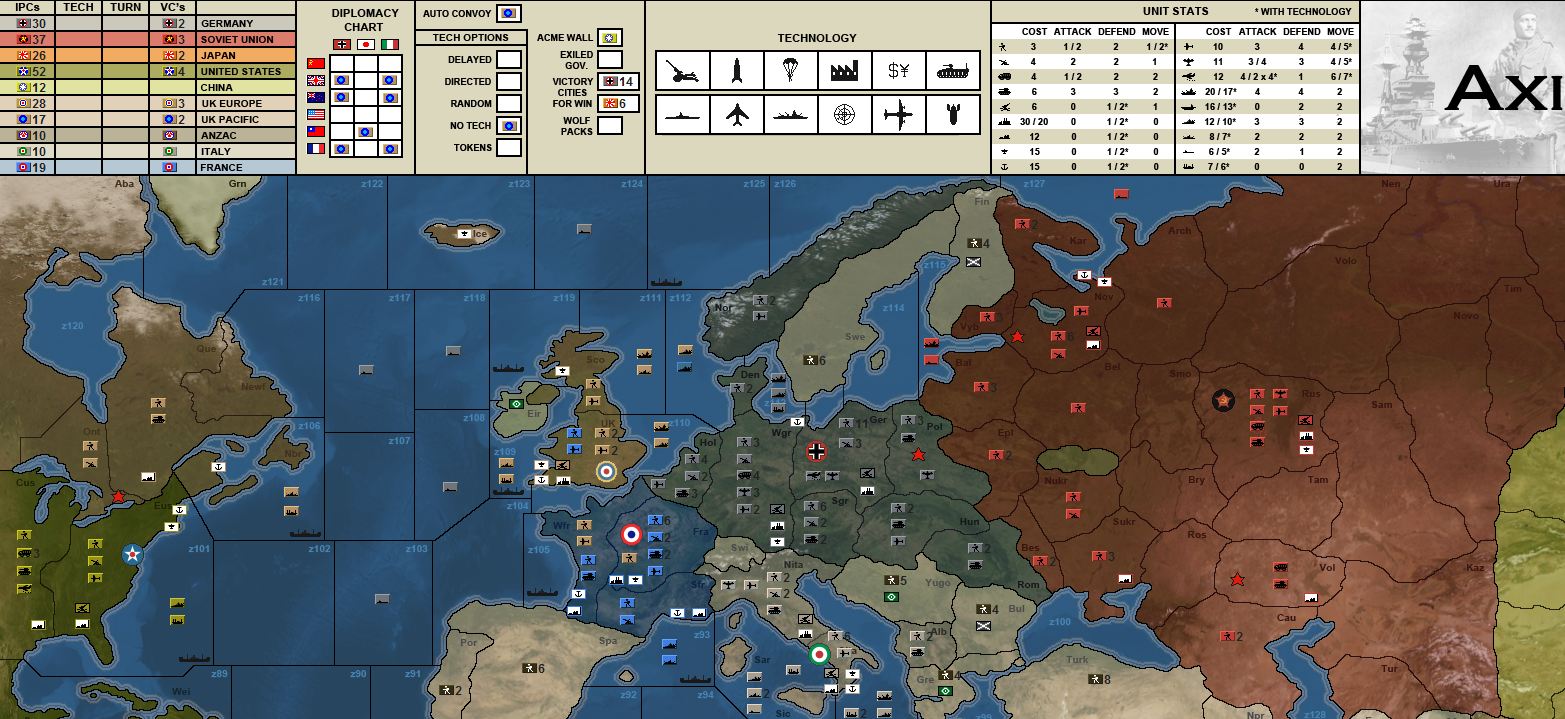
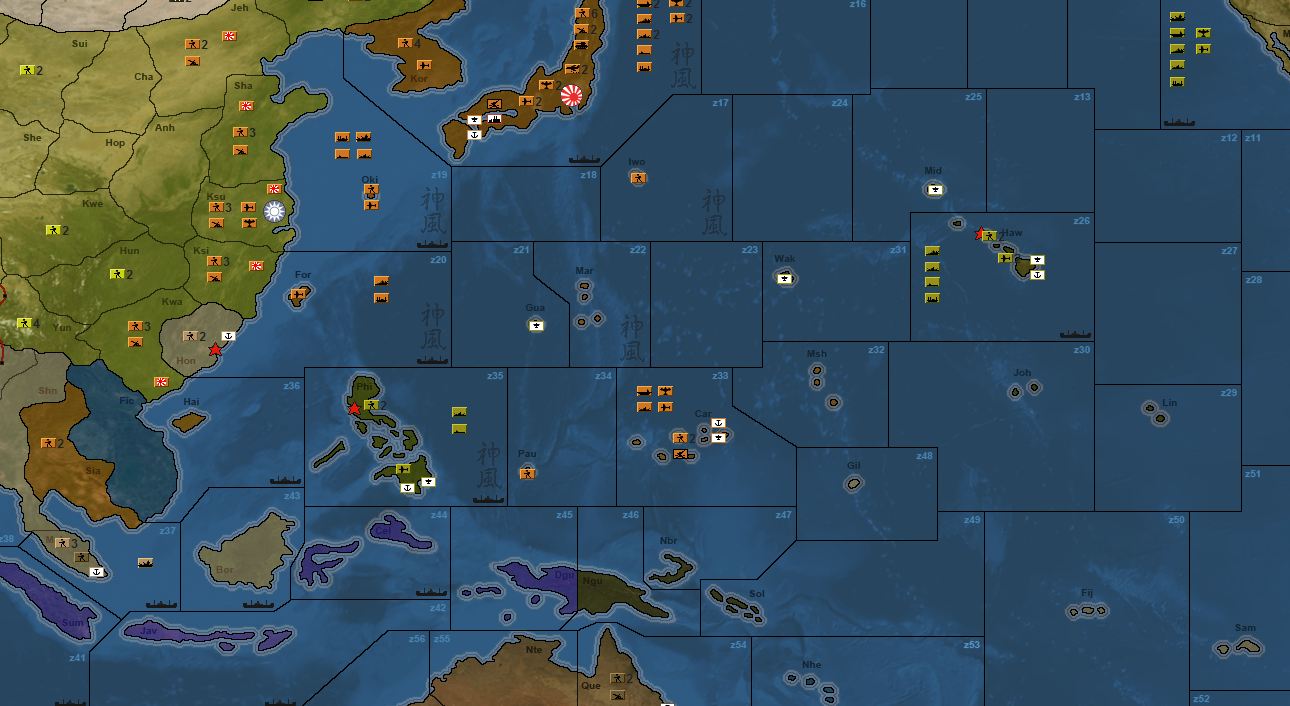
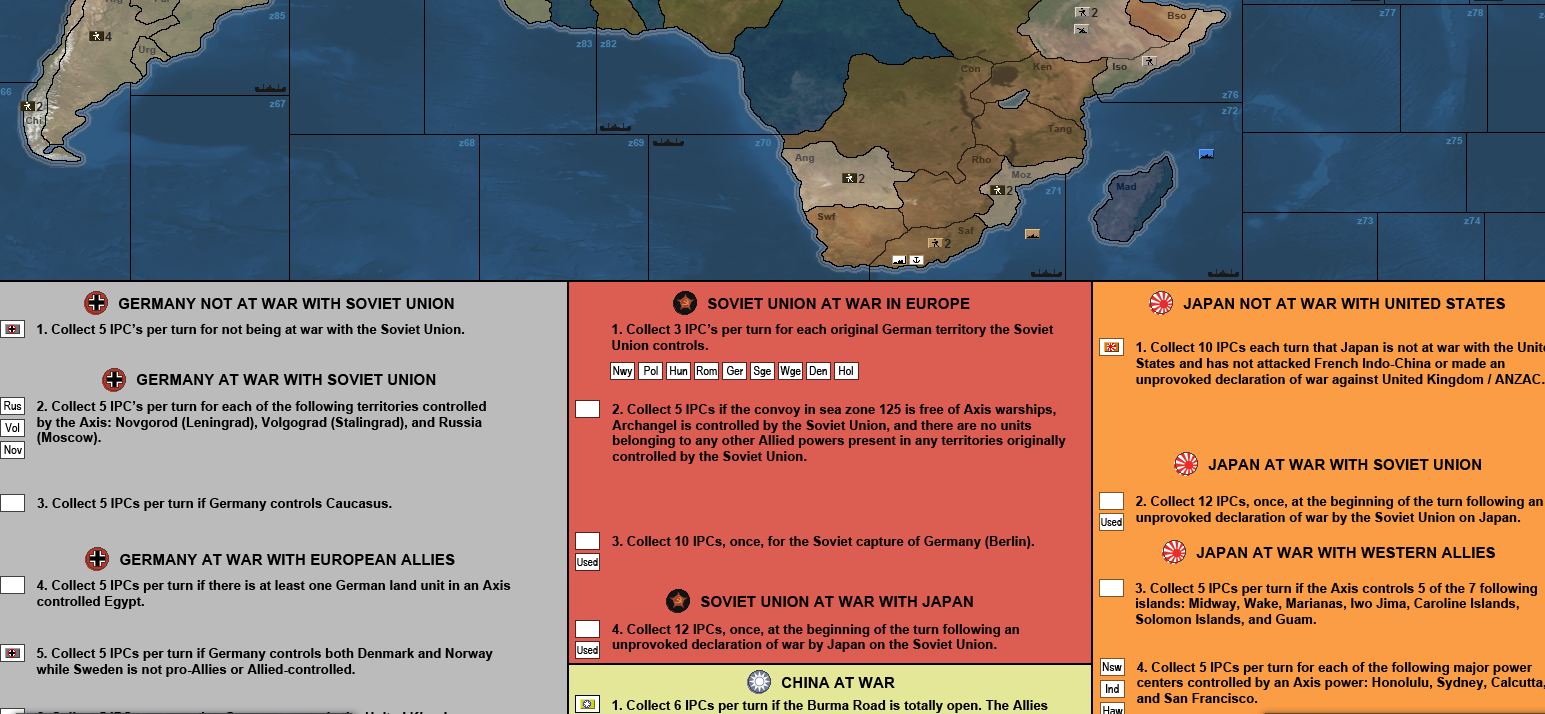
Did you download the TMTM mod version 3.1? You have to download it and paste the T40 folder into the main Abattlemap folder (with all the other 3 character folders). Then it will appear in the new games list.
Logged
Commando Brado
A&A.org Battleship
******
Posts: 3461


I EAT LIGHTNING AND CRAP THUNDER!


View Profile
« Reply #88 on: May 10, 2011, 09:50:27 pm »
0

Does the T40 folder automatically create itself when you download V.080?
Logged
Sgt. Wonko
A&A.org Destroyer
*****
Posts: 1627


And they shall beat their swords into ploughshares


View Profile
« Reply #89 on: May 11, 2011, 08:46:59 am »
0

Does the T40 folder automatically create itself when you download V.080?

No, you have to download the TMTM mod version 3.1. Once you open the rar. file (I use winrar) extract the T40 folder to the main Abattlemap folder.
Logged
Pages: « 1 2 3 4 5 6 7 8 9 10 11 12 13 14 15 16 17 18 »
  Print  
 
Jump to:  

2013 Support Drive
Support Level
Forum Username
Buy Axis & Allies
  • Axis & Allies 1942 [Amazon]
  • A&A Pacific 1940 [Amazon]
  • A&A Europe 1940 [FMG]
  • [eBay]
  • [eBay]
  • A&A D-Day [Amazon]
  • A&A Battle of the Bulge [Amazon]
  • [eBay]
  • [eBay]
  • WWII Themed Combat Dice [FMG]


Axis and Allies.org Official Sponsor: Field Marshal Games
Powered by MySQL Powered by PHP Powered by SMF 1.1.16 | SMF © 2011, Simple Machines Valid XHTML 1.0! Valid CSS!